
Office Security Solutions in Singapore
Protect your workplace with CCTV, access control, alarm, intercom and supporting security systems planned around how your office actually operates.
Web Security supports new offices, existing workplaces and system upgrades for SMEs, corporate offices and commercial environments across Singapore.
Monitor, Control and Manage Access
Monitor entrances, work areas, selected rooms and common spaces.
Manage entry to offices, rooms and selected restricted areas.
Add intrusion or selected alert functions where required.
Support communication and visitor access at selected entrances.
Ensure connected security systems have the supporting network infrastructure they need.
What Businesses Commonly Need to Secure
Office security is usually about more than watching one entrance. Different areas may need different levels of monitoring, access control or visitor management depending on how the workplace operates.
Main Entrance & Reception
Monitor who enters and leaves the office, support visitor visibility and keep a clearer record of activity around the main entry point.
Office Doors & Restricted Areas
Control access to selected rooms or office areas where entry should be limited to authorised staff.
General Office & Common Spaces
CCTV may be used for selected common areas where visibility, incident review or operational monitoring is useful.
Server, Storage & Equipment Rooms
Some rooms may require stronger access control or monitoring because they contain equipment, records, stock or other business assets.
Visitor Entry & Communication
Offices with controlled entry may use intercom or access systems to communicate with visitors before allowing them into the workplace.
Monitoring Outside Business Hours
CCTV, alarm and selected remote functions can help businesses maintain visibility when the office is closed, depending on the installed system.
Different Security Systems Can Support the Same Workplace
CCTV, access control, alarm, intercom and networking each serve different roles. Depending on the office, they can be planned together as part of one broader security setup.
CCTV
Monitor entrances, common areas, selected rooms and operational spaces.
Access Control
Manage staff entry and restrict access to selected doors or rooms.
Setup Planned Around
How You Operate
Alarm
Add intrusion or selected alert functions where they are required.
Intercom
Support visitor communication and controlled entry at selected access points.
Network & Cabling
IP cameras, access-control devices, intercoms and other connected systems may depend on suitable network, PoE and cabling infrastructure to operate reliably.
The security system is only as dependable as the infrastructure supporting it.Manage Staff Entry Without Relying on Keys Alone
Access control can help businesses manage entry to the main office, staff-only areas and selected restricted rooms. The right method depends on the number of users, the doors involved and how the office wants to manage access.
Control staff entry while keeping the main workplace entrance easier to manage.
Restrict access to rooms containing network equipment, servers or other important systems.
Limit access to selected rooms containing inventory, documents or business assets.
Give selected staff access to rooms that should not be open to everyone in the workplace.
Different Ways to Identify Users
Staff use an assigned access card or compatible credential.
Users enter an authorised code where PIN-based entry is suitable.
Biometric entry can be considered where fingerprint readers suit the operational requirements.
Compatible face-recognition readers may be used for selected access-control applications.
From Entry Request to Door Release
Security Planning Should Match the Stage of Your Office
A new office can be planned around cabling, access points and system locations from the start. An existing office usually needs a different approach: review what is already installed, then improve only what is necessary.
Plan Security Before Fit-Out Is Complete
When CCTV, access control, intercom and network requirements are discussed early, installation points and cabling routes can be coordinated with the renovation and electrical works.
Review the Existing Setup Before Replacing It
Existing offices may already have cameras, recorders, access readers, cabling or network infrastructure that can still be useful.
Different Workplaces Have Different Security Priorities
A small office, corporate workplace, shared workspace and office attached to a warehouse do not usually need the same setup. Security planning should follow how people, visitors and assets move through the space.
Small & Medium Business Offices
Smaller offices often need practical entrance monitoring, basic staff access control and remote CCTV viewing without overcomplicating the setup.
Larger Corporate Workplaces
Larger offices may require more structured access control, multiple monitored areas, visitor handling and separate access rights for different teams.
Co-Working & Shared Offices
Shared workplaces often need clearer access management because different users, companies or visitors may use the same common areas and entrances.
Offices Connected to Operational Areas
Businesses with office and warehouse or operational areas may need to secure both staff spaces and higher-traffic zones such as loading, storage or equipment areas.
Different Workplaces Have Different Security Priorities
A small office, corporate workplace, shared workspace and office attached to a warehouse do not usually need the same setup. Security planning should follow how people, visitors and assets move through the space.
Small & Medium Business Offices
Smaller offices often need practical entrance monitoring, basic staff access control and remote CCTV viewing without overcomplicating the setup.
Larger Corporate Workplaces
Larger offices may require more structured access control, multiple monitored areas, visitor handling and separate access rights for different teams.
Co-Working & Shared Offices
Shared workplaces often need clearer access management because different users, companies or visitors may use the same common areas and entrances.
Offices Connected to Operational Areas
Businesses with office and warehouse or operational areas may need to secure both staff spaces and higher-traffic zones such as loading, storage or equipment areas.
Office Security Systems Installed in Singapore
Examples of CCTV, door access, face recognition and system work carried out for office and commercial environments.
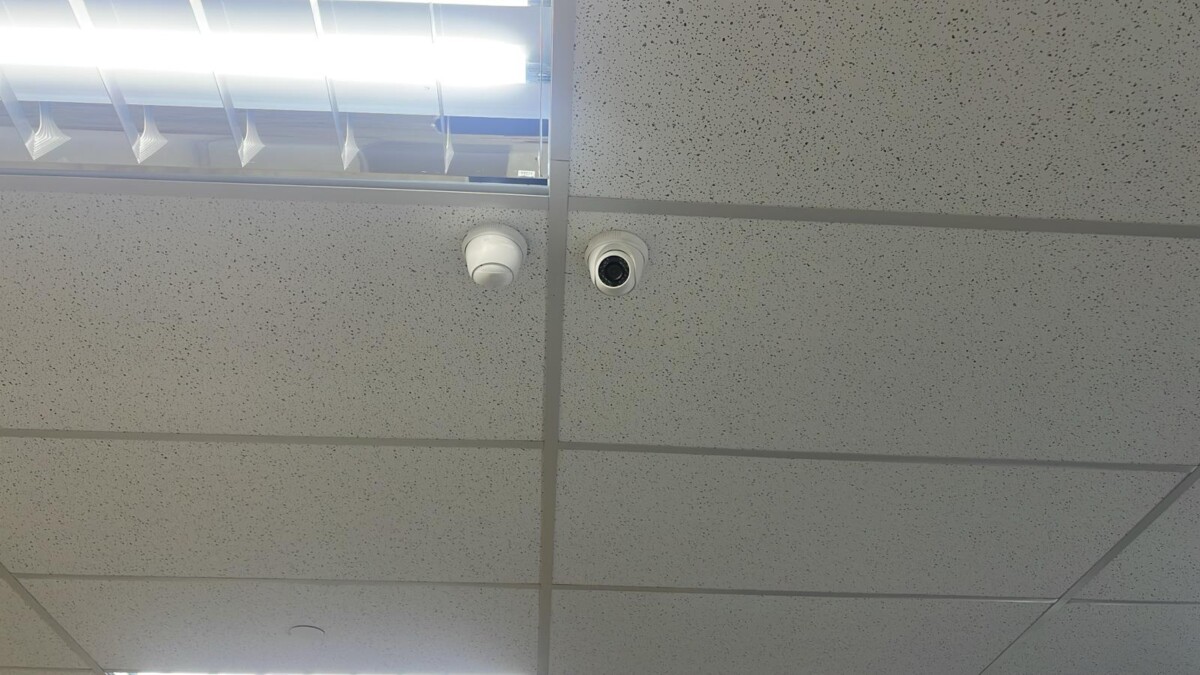
CCTV Coverage for Workplace Areas
Cameras positioned around selected office areas to provide practical monitoring without overcomplicating the installation.

Staff Entry Control
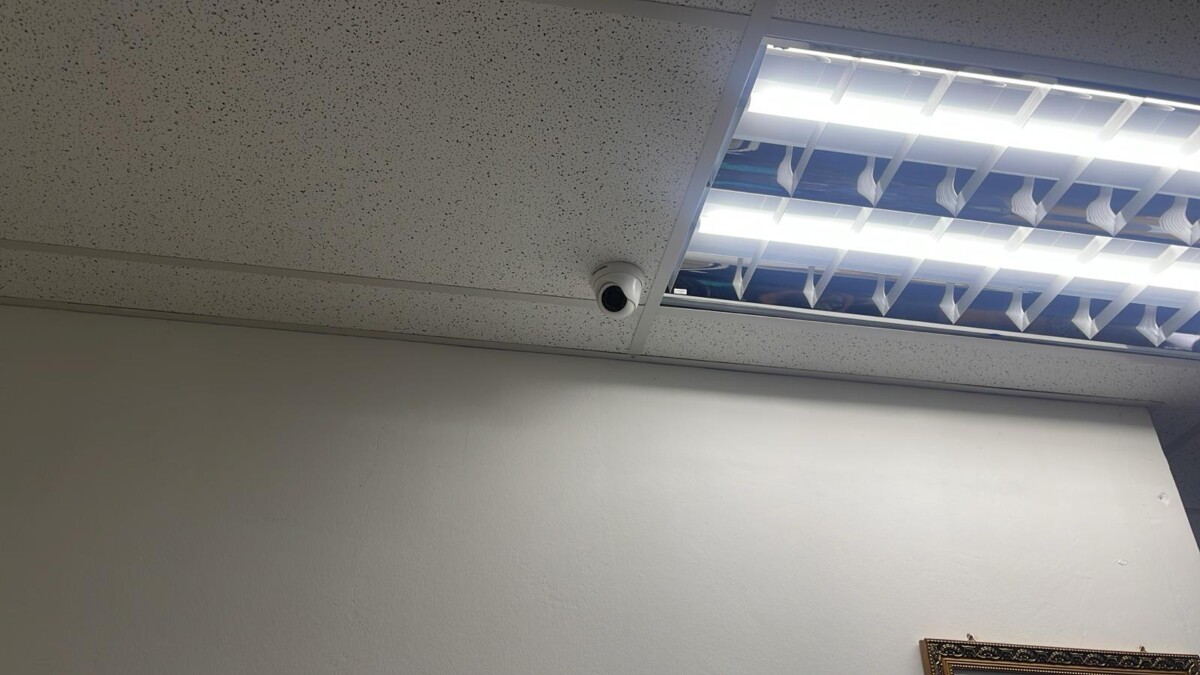
Ceiling Camera Installation

Fingerprint Access Control
Biometric access can be used for selected office entrances and restricted areas where it suits the operational requirement.
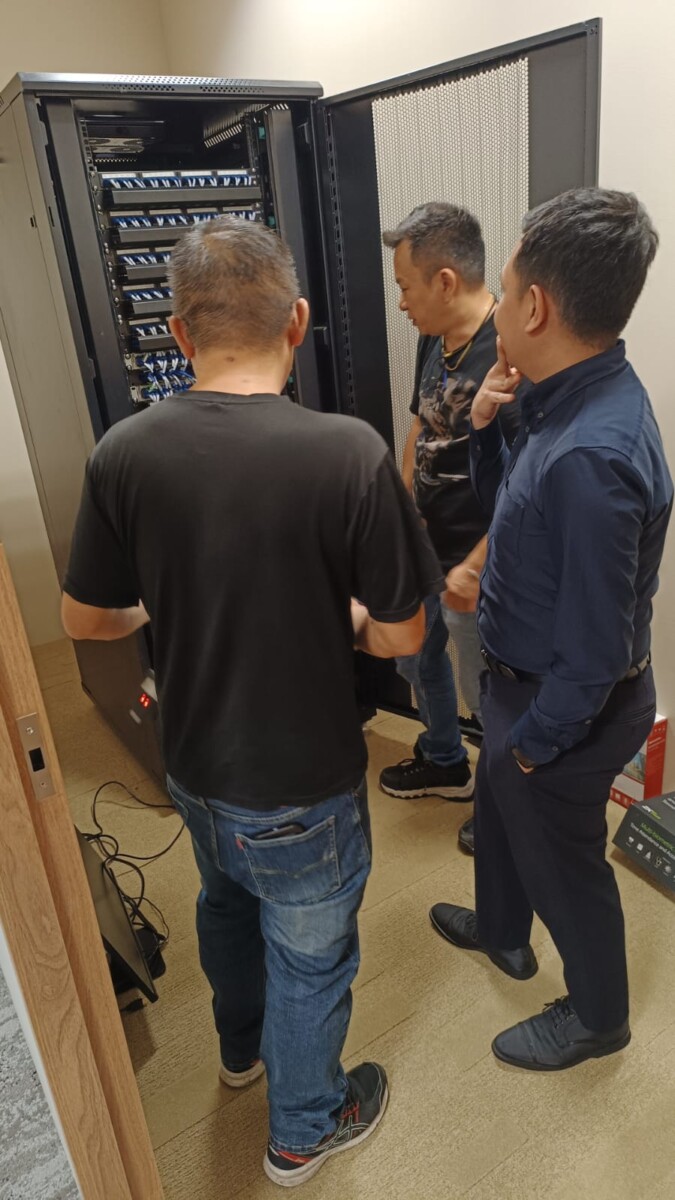
Cabling & System Preparation
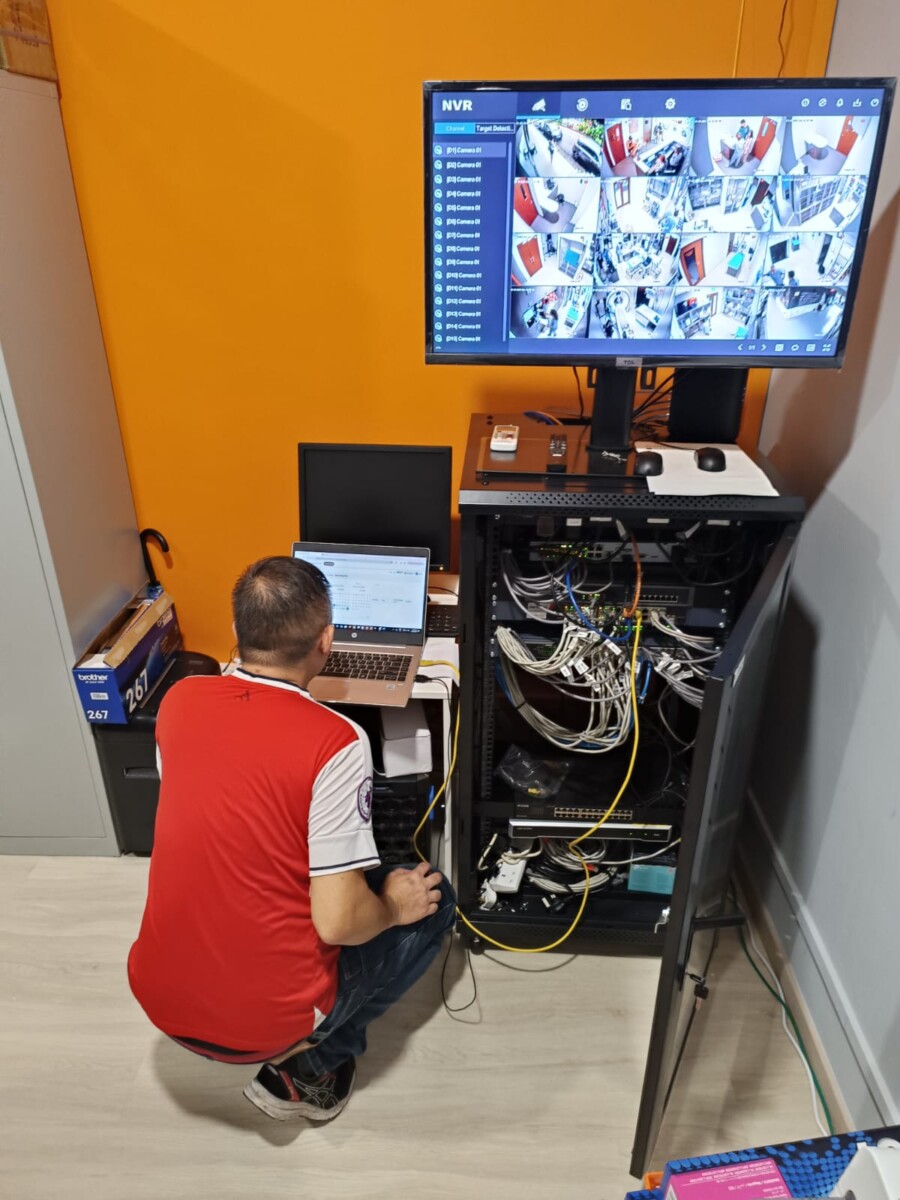
CCTV Setup & Testing
Common Questions About Office Security Systems
These are some of the questions businesses commonly ask when planning CCTV, access control, alarm, intercom or security upgrades for an office.
Tell Us About Your Office
Planning security for a new office, upgrading an existing workplace or reviewing a system that no longer meets your needs?
Share a little about the office layout, current setup and what you want to improve. We can review CCTV, access control, alarm, intercom and the supporting network or cabling requirements.
What Type of Office?
SME office, corporate workplace, shared office or office connected to a warehouse or operational area.
What Do You Need?
CCTV, door access, alarm, intercom, remote viewing, networking or a combination of systems.
New Office or Existing Setup?
Let us know whether this is a new fit-out, system expansion or an upgrade to equipment already in use.