
PABX & Office Phone System in Singapore
Connect office extensions, incoming calls and internal communication through one organised business phone system.
Web Security provides PABX and office telephone solutions for businesses, including phone extensions, system configuration, cabling, troubleshooting and upgrades for existing office phone setups.
One Phone System, Multiple Extensions
Incoming telephone lines connect to the office phone system.
The system directs the call to the configured extension.
Extensions can support internal calling and compatible call functions.
Route Incoming Calls and Connect Office Extensions
A PABX system connects external telephone lines with internal office extensions, allowing calls to be directed to the right person or department while also supporting internal extension-to-extension communication.
A Call Reaches the Office
Incoming telephone lines connect into the PABX or office phone system.
The System Directs the Call
Calls can be routed to a configured extension, reception or department, depending on the system setup.
Staff Answers from an Office Phone
The selected extension rings and the call can be answered by the assigned user.
Calls Can Be Passed Internally
Compatible systems may support transferring calls between extensions or departments.
External Line → PABX → Extension → Staff
External telephone call reaches the business
Manages and routes calls within the office
Calls are directed to the configured phone
Answers or transfers the call where supported
Staff can call other configured extensions within the same office system.
Incoming calls can be passed to another extension on compatible systems.
Calls may be organised around reception, sales, accounts or other teams.
Multiple office extensions can use the business telephone system.
Different Offices Need Different PABX Layouts
The right office phone setup depends on the number of staff, departments, incoming lines and how calls should move between reception and internal extensions.
Reception + A Few Extensions
A simple setup where incoming calls reach reception or a main phone, with additional extensions for selected staff or departments.
Reception + Sales + Accounts + Admin
Calls can be organised around several departments, allowing staff to receive and transfer calls between the configured office extensions.
Several Extensions Sharing External Lines
Multiple office phones can be connected to the same PABX system while sharing the available external telephone lines.
Extension-to-Extension Calling
Staff can contact colleagues internally using extension numbers, reducing the need to use external lines for office-to-office communication.
Add or Replace Office Extensions
Existing phone systems may be expanded or upgraded depending on the PABX capacity, cabling and compatibility of the current equipment.
Start with the Number of Lines and Extensions
Consider how many incoming or outgoing telephone lines the office uses.
Count the staff, rooms or departments that require office phones.
Decide whether calls should go to reception, departments or selected extensions.
Existing telephone or network infrastructure should be reviewed before installation.
Office Phone Systems for Businesses That Need Structured Call Handling
PABX systems are useful where businesses need several office phones, internal extensions or a clearer way to route incoming calls between staff and departments.
Reception & Department Extensions
Offices can use a PABX system to connect reception, sales, accounts, admin and other staff through internal extension numbers.
Front Desk & Internal Staff Communication
A main reception phone can handle incoming enquiries while compatible extensions allow calls to be transferred to other staff or rooms.
Main Line with Back-Office Extensions
Retail businesses and showrooms can keep a main contact number while connecting internal phones for office, sales or support staff.
Communication Between Office & Operations Areas
Extensions can provide a practical way for office staff and selected operational areas to communicate within the same phone system.
Separate Extensions for Different Rooms
Businesses with multiple rooms, departments or workspaces can assign extension numbers so staff can contact each other more easily.
Give Incoming Calls a Clear Path Through the Office
A well-planned office phone system helps ensure that incoming calls reach the right staff member or department instead of relying on a single phone for every enquiry.
Count how many staff or rooms need their own office phone extension.
Busier businesses may need a more structured call-routing arrangement.
Reception, sales, accounts and other teams may require different extensions.
Existing telephone cabling, network points and PABX equipment should be reviewed.
Set Up a New PABX or Upgrade the Existing Office Phone System
Some offices need a completely new phone system, while others already have usable handsets, cabling, extensions or PABX equipment that can be reviewed before deciding what should be replaced.
New PABX Installation
Suitable for a new office, relocation, renovation or business that does not currently have a structured office phone system.
Existing PABX Upgrade
Suitable when the current phone system is ageing, unreliable, difficult to expand or no longer matches the office workflow.
Keep, Review or Replace?
Existing telephone or network infrastructure may remain if it is still suitable for the proposed office phone system.
Current equipment should be checked for condition, compatibility and available expansion capacity.
Older equipment may need replacement where it is unreliable or no longer supports the required phone-system setup.
Office growth may require more extensions than the existing system supports.
Ageing phones or system hardware may become unreliable over time.
A move or renovation may require the phone layout and cabling to be reorganised.
Existing call flow may no longer suit the current team or department structure.
PABX Systems & Office Phone Models
Browse selected PABX equipment and office phone models for business use, including compatible systems for extensions, call routing and internal office communication.

Hikvision DS-D5019QE-B
18.5-inch 1366*768 Monitor
Learn More
Hikvision HM-TD2168T-5/G0/T1Y
Thermographic Network Bullet Camera
Learn More
Hikvision iDS-2CD8A87G0P/PW
8MP DeepinView High-Rise Littering Detection Camera
Learn More
Hikvision iDS-2CD7A46G0-IZHS(Y)(R)
4MP DeepinView Moto Varifocal Bullet Camera
Learn MorePABX & Office Phone Systems Installed on Site
Real project photos from office phone and PABX installations, including system equipment, desktop handsets and completed workplace setups.
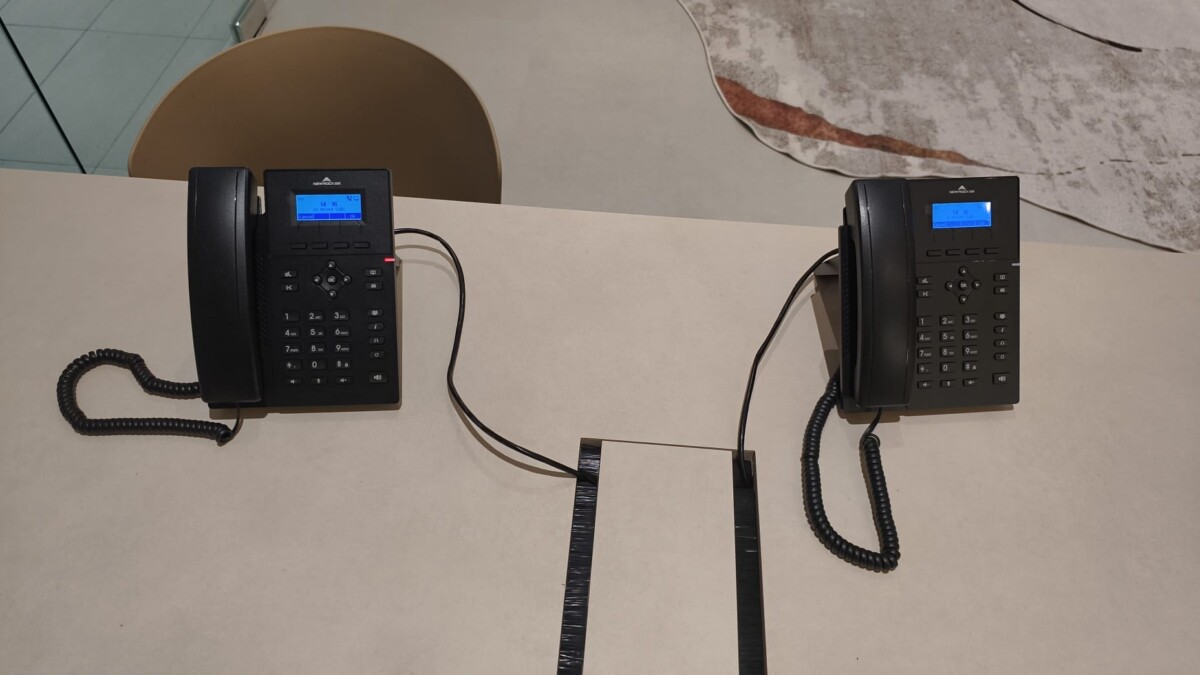
Office Phone System Equipment
The PABX forms the core of the office phone setup, connecting external telephone services with the configured internal extensions.
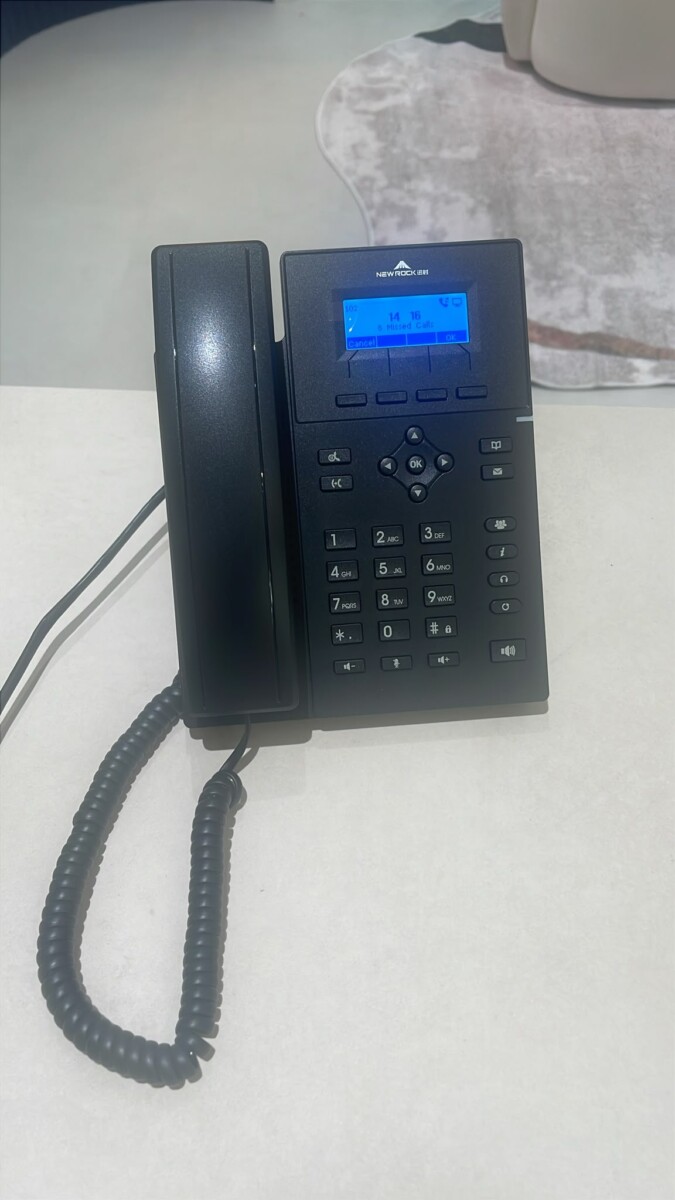
PABX Setup for Office Use
System equipment configured around the required telephone lines and office extensions.
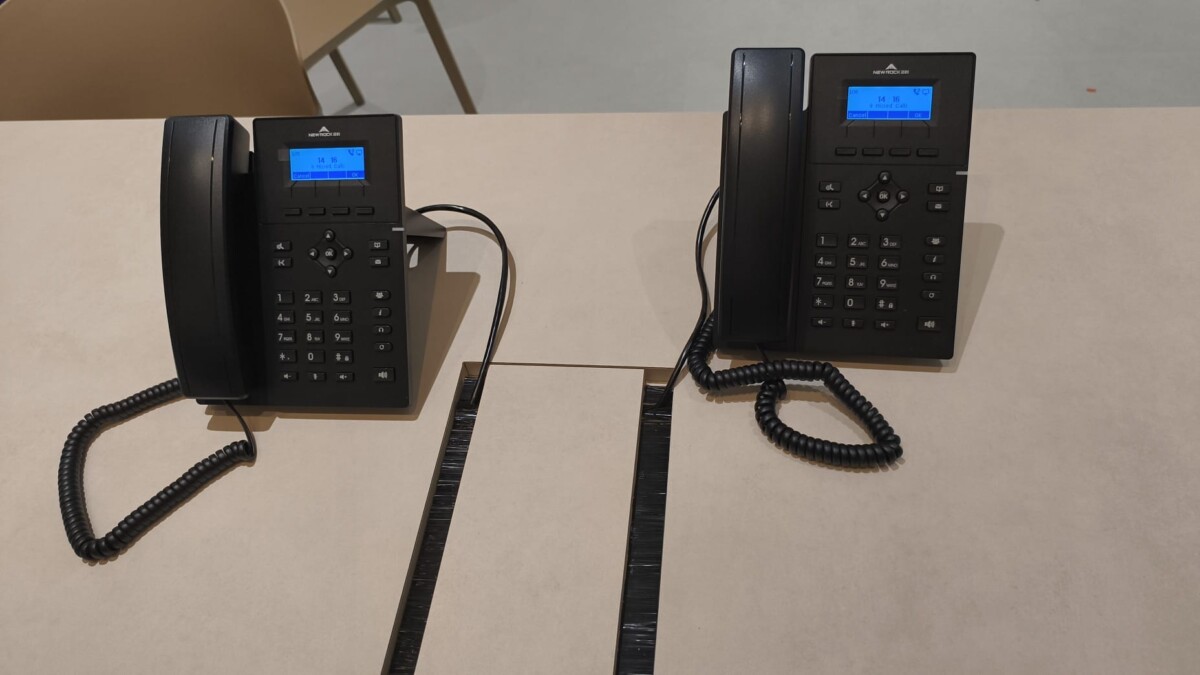
Desktop Office Phones
Office handsets can be assigned to reception, departments, rooms or individual staff.
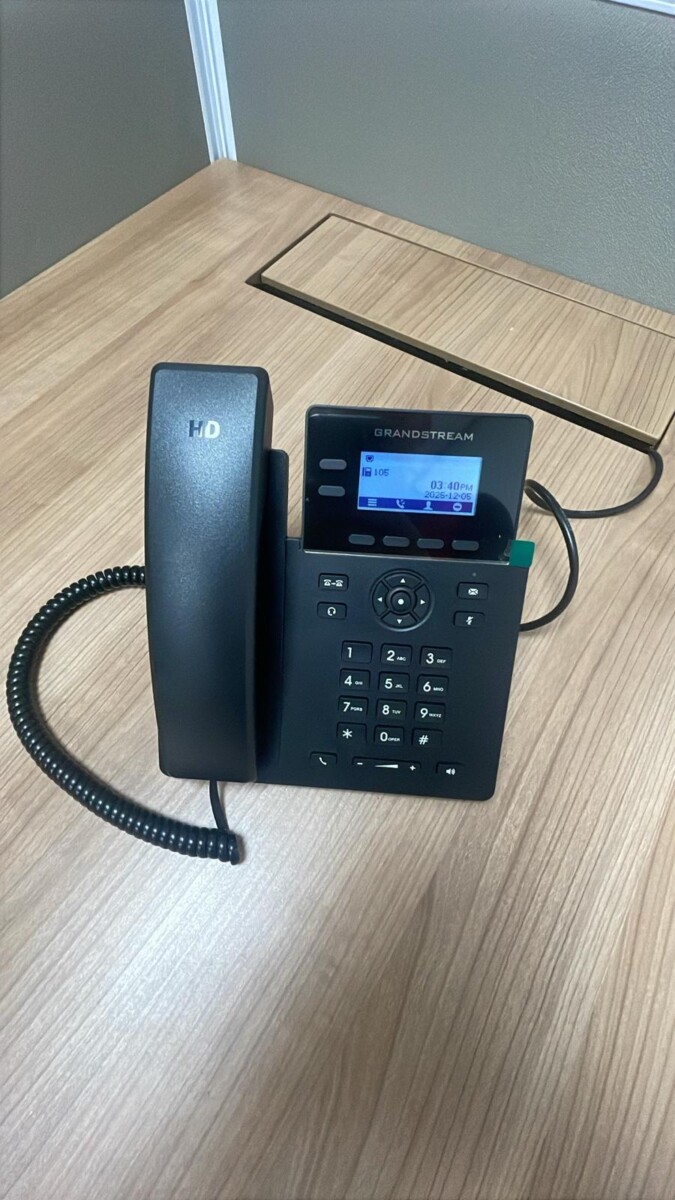
Office Phone Extension Setup
Each handset becomes part of the wider PABX system according to the configured extension layout.
Confirm external lines, users, departments and required phone locations.
Review existing telephone points, cabling and available system equipment.
Set up the PABX and assign the required office extension numbers.
Test incoming calls, extension calling and supported transfer functions before handover.
Common Questions About PABX & Office Phone Systems
Office phone systems can vary depending on the number of lines, extensions, handset type, cabling and how calls need to move through the business.
A PABX system manages telephone calls within a business by connecting external lines with internal office extensions.
An extension is an internal phone number assigned to a user, department, room or office handset within the PABX system.
Yes, on a configured office phone system. Staff can usually call other internal extensions without using an external telephone line.
Compatible PABX systems can support call transfer between configured extensions. The exact functions depend on the system and setup.
Yes. A PABX system can allow multiple office extensions to use available external telephone lines according to the system configuration.
It depends on the available PABX capacity, cabling and compatibility of the existing equipment. The current system should be checked first.
Yes. Existing PABX equipment, handsets, cabling and extension points can be reviewed to determine what can still be used and what may need replacing.
The connection method depends on the phone system. Some setups use telephone cabling, while others may use network infrastructure. Existing points should be checked before installation.
The number of supported extensions depends on the capacity of the PABX system selected. The expected number of users should be confirmed first.
Useful information includes the number of external lines, required extensions, office layout, existing phone equipment and whether you are installing a new system or upgrading an existing one.
Tell Us About Your Office Phone Setup
Planning a new office phone system, adding more extensions or replacing an older PABX setup?
Share your office size, number of external lines, required extensions and whether you already have existing phones, cabling or PABX equipment in place.
How Many External Lines?
Let us know how many business telephone lines you currently use or plan to have.
How Many Extensions?
Count the staff, rooms or departments that require their own office phone.
New or Existing System?
Tell us whether this is a new setup, office relocation, expansion or upgrade.
Any Existing PABX or Phones?
Existing equipment and cabling can be reviewed before deciding what should be reused or replaced.