
Alarm System Installation in Singapore
Add another layer of protection with an alarm system planned around the property, entry points and areas that need monitoring.
Web Security provides alarm solutions for homes, offices and commercial properties, including intrusion detection, sirens, panic buttons and selected alert functions depending on the system.
Detect. Alert. Respond.
A door contact, motion sensor or other compatible device detects an event.
The control panel processes the trigger based on the configured system.
The system can activate selected alert functions depending on the equipment.
The user can then check the situation and respond based on the installed setup.
From Detection to Alert
An alarm system usually works through a simple chain: a sensor detects an event, the control panel processes it, and the configured alert function is then triggered.
Sensor Detects an Event
A door contact, motion sensor or other compatible detector identifies activity based on how the system is configured.
Control Panel Receives the Signal
The alarm panel interprets the signal and checks the system status, zones and programmed response.
Siren or Notification Activates
Depending on the installed system, the response may include a siren, local warning or supported notification function.
User Checks and Takes Action
The next step depends on the situation and how the alarm system is used together with CCTV or other security systems.
What Makes Up an Alarm System?
Alarm systems can be built with different combinations of sensors, controls and alert devices. The exact setup depends on the property, entry points and how the system is intended to be used.
Door & Window Contacts
Magnetic contacts can detect when a protected door or window is opened, depending on how the alarm zone is configured.
Motion Sensors
Motion detectors can be used to monitor selected internal areas for movement when the alarm system is armed.
Alarm Control Panel
The control panel receives signals from sensors and manages the programmed alarm zones, responses and connected devices.
Keypad or Arming Control
A keypad or compatible control device allows authorised users to arm, disarm and manage selected alarm functions.
Siren
A siren can provide an audible local warning when the alarm is triggered, depending on the configured system response.
Panic Button
A panic button allows a user to manually trigger a configured alert or alarm response when immediate assistance may be needed.
Alarm Requirements Change With the Property
A home, office, retail unit and warehouse usually have different entry points, operating hours and security priorities. The alarm setup should reflect those differences.
Residential Properties
Homes may use alarm sensors around selected doors, windows or internal areas as an additional layer of protection alongside CCTV or intercom.
Workplaces & Offices
Offices may use alarms to support after-hours security, selected restricted rooms or areas containing equipment and business assets.
Shops & Retail Units
Retail premises may need alarm protection for entrances, back rooms and selected areas when the shop is closed.
Warehouse & Storage Areas
Larger premises may need multiple alarm zones covering entrances, loading areas, storage spaces or selected internal sections.
Alarm, CCTV and Access Control Can Serve Different Roles
An alarm system does not replace CCTV or access control. Each system serves a different purpose, and together they can provide a more complete security setup for the property.
Alarm System
Detects selected events through sensors and triggers the configured alarm or alert response.
CCTV
Provides visual monitoring and recording so users can review selected areas before, during or after an event.
Access Control
Manages who is allowed to enter selected doors or restricted areas using compatible access methods.
Different Systems Support Different Decisions
Starting Fresh Is Different From Upgrading an Existing Alarm System
A new alarm system can be planned around the property from the beginning. An existing system should usually be reviewed first to see what may still be usable before replacing everything.
Plan the Zones Around the Property
For a new setup, alarm zones and sensor locations can be planned around entrances, internal areas and the way the property is used.
Review What Can Still Be Used
Older alarm systems may already have sensors, wiring, keypads or control equipment installed. These should be checked before deciding what needs to be upgraded or replaced.
Keep, Review or Replace?
Existing cabling, selected sensors or mounting locations may still be useful if they are in suitable condition and compatible.
Alarm panel, keypad, zones, siren, power supply and current system functions should be tested before making recommendations.
Faulty sensors, damaged wiring, ageing control equipment or unsupported components may need replacement.
Security Systems Installed and Configured On Site
Alarm systems often form part of a wider security setup. These are examples of related installation, cabling, emergency-device and system-configuration work carried out by our team.

Break Glass & Exit Control
Emergency and exit devices can form part of a wider access and security system depending on the site requirements.

On-Site System Setup
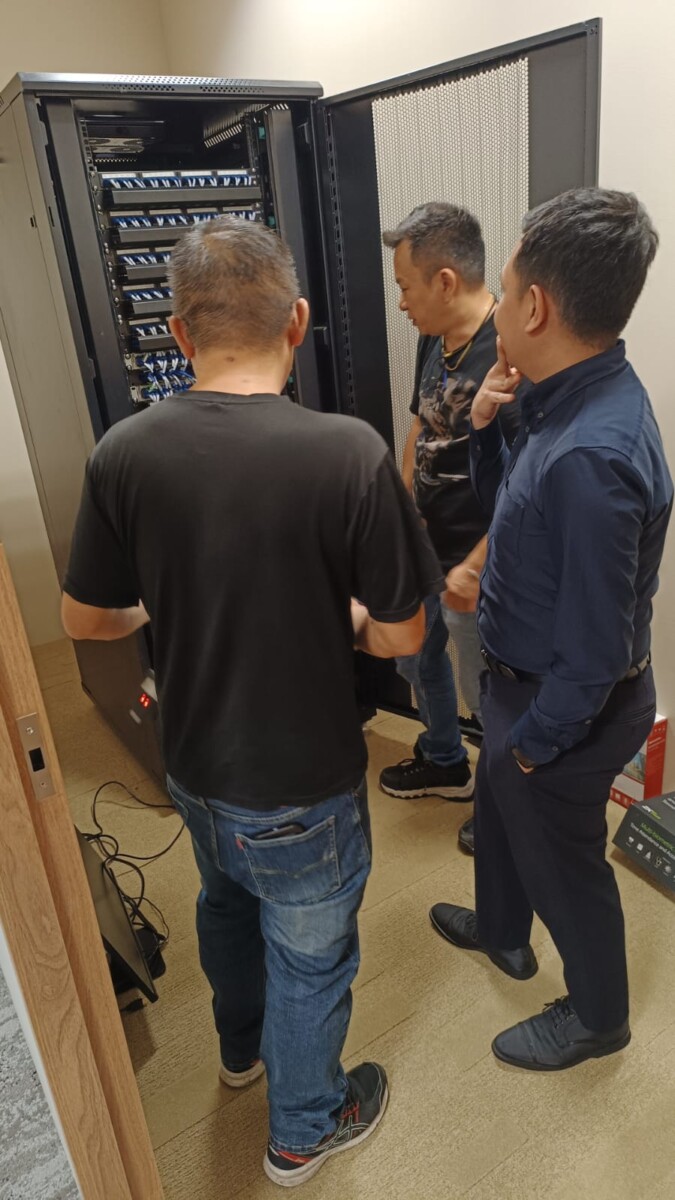
Security System Wiring
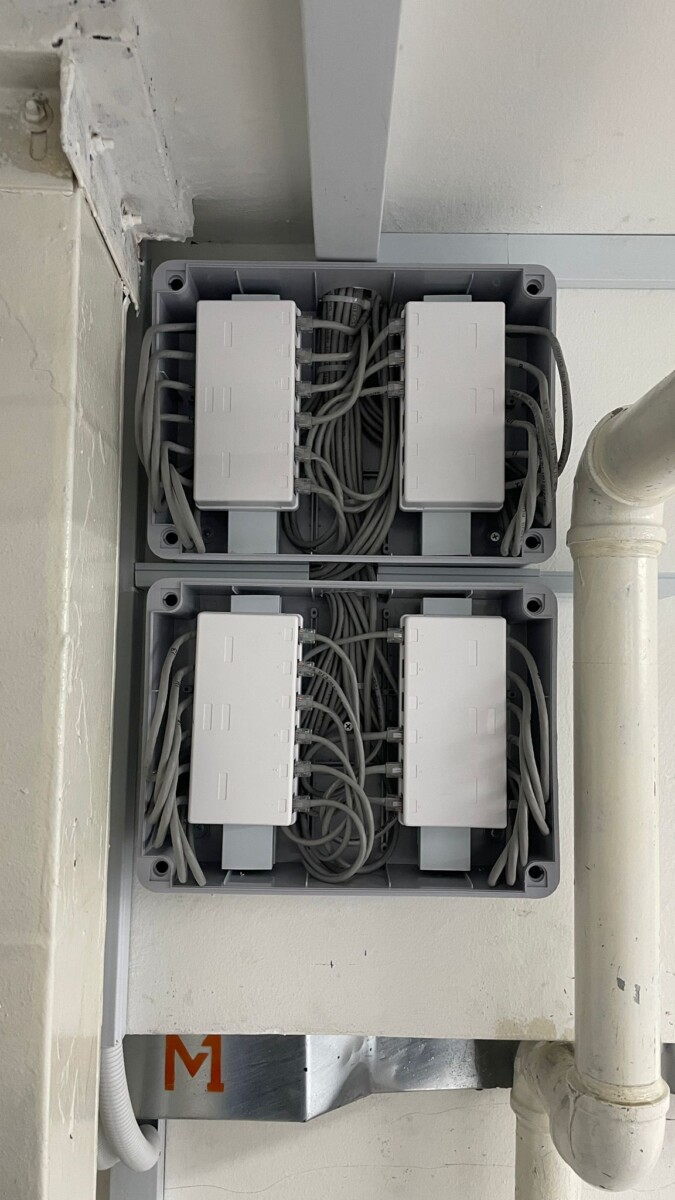
Organised Cabling & System Infrastructure
Reliable security systems depend on more than the visible device. Cabling, power and installation quality all matter.
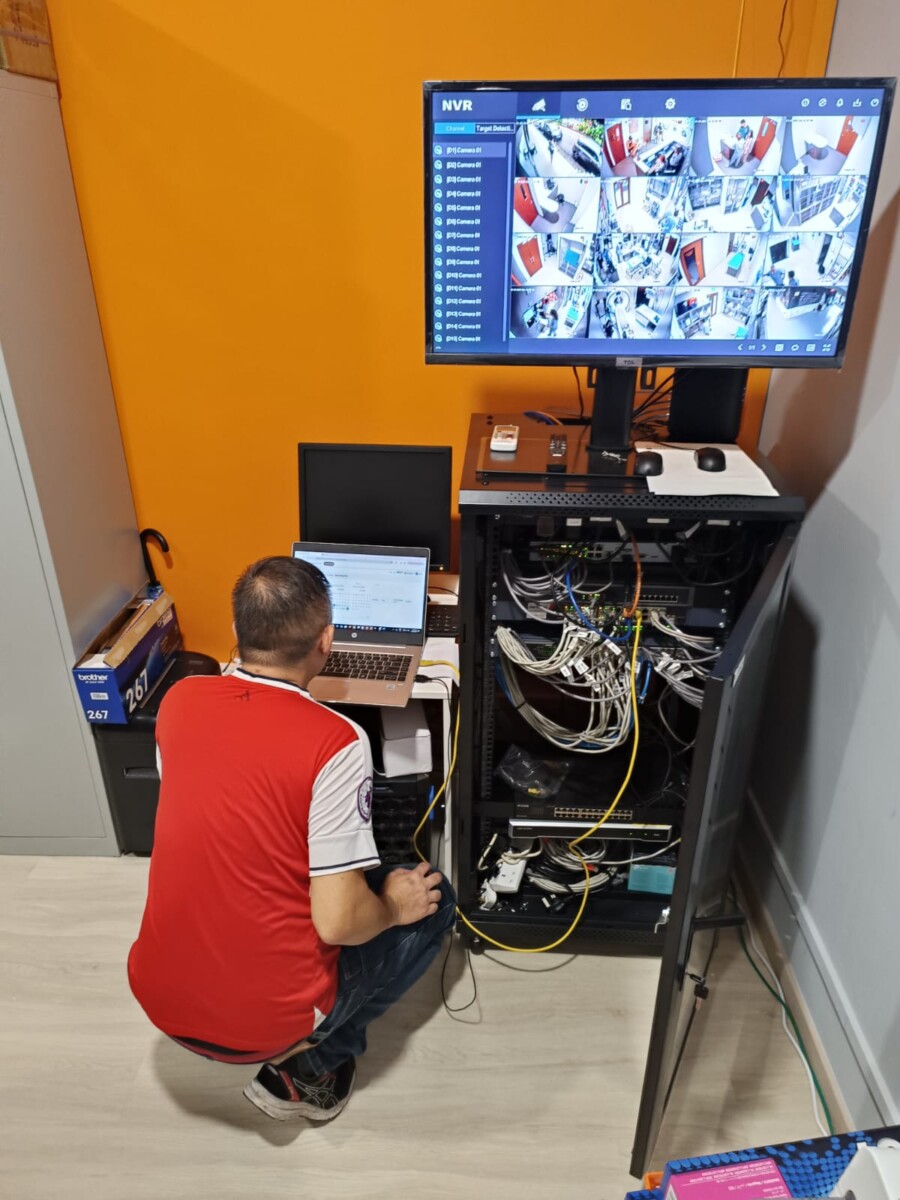
Configuration & Troubleshooting
Common Questions About Alarm Systems
These are some of the questions homeowners and businesses commonly ask when planning a new alarm system or reviewing an existing one.
Tell Us What You Want to Protect
Planning a new alarm system or reviewing an older setup? Tell us about the property, the areas you want to protect and any existing equipment already in place.
We can review intrusion detection, door contacts, motion sensors, panic buttons, sirens and other compatible alarm functions based on the actual site requirements.
What Type of Property?
Home, office, retail unit, warehouse or other commercial space.
What Areas Need Protection?
Main entrances, doors, windows, internal zones, stock rooms, restricted areas or selected panic points.
New or Existing Alarm System?
Let us know if you are starting from scratch or already have an alarm panel, sensors, wiring or other equipment installed.